Pairing your MAXSHOT electric scooter with the app
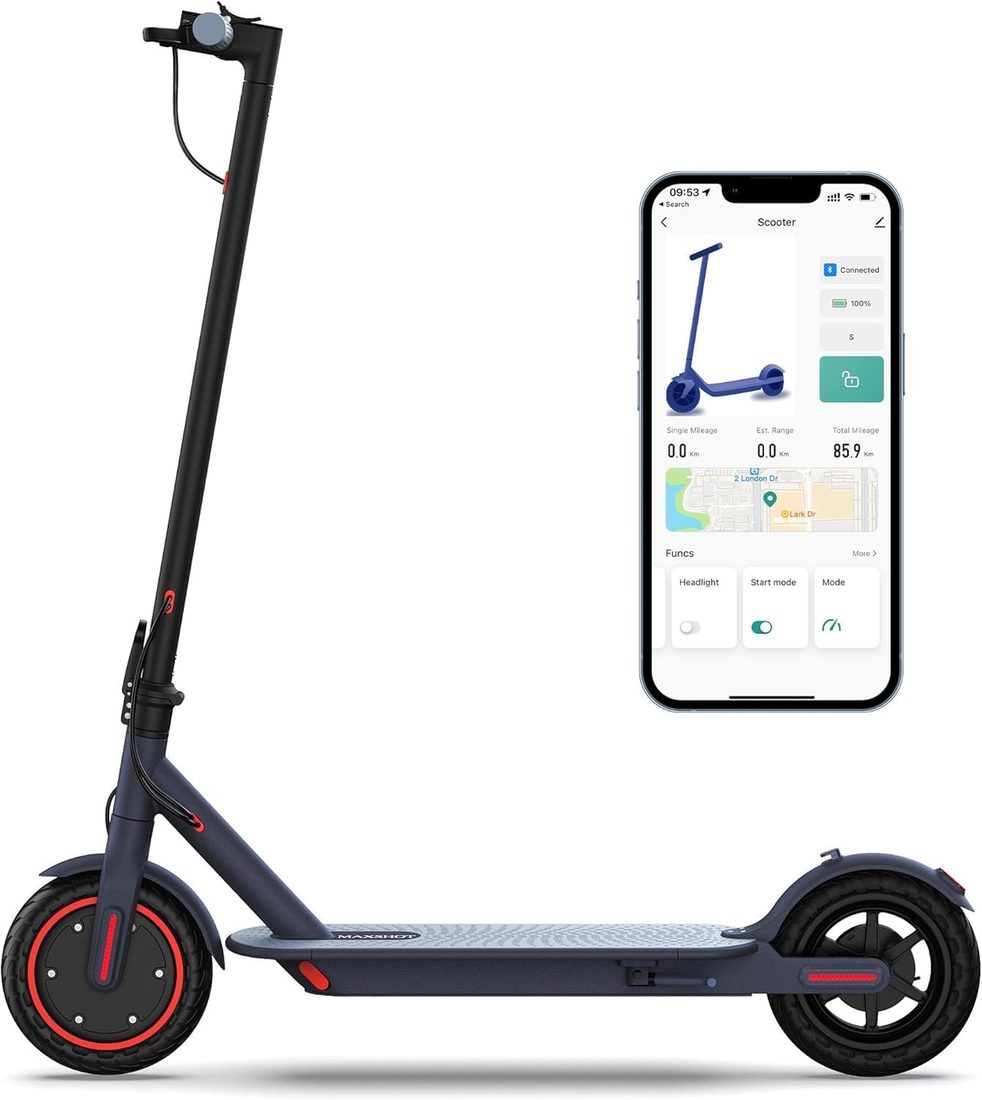
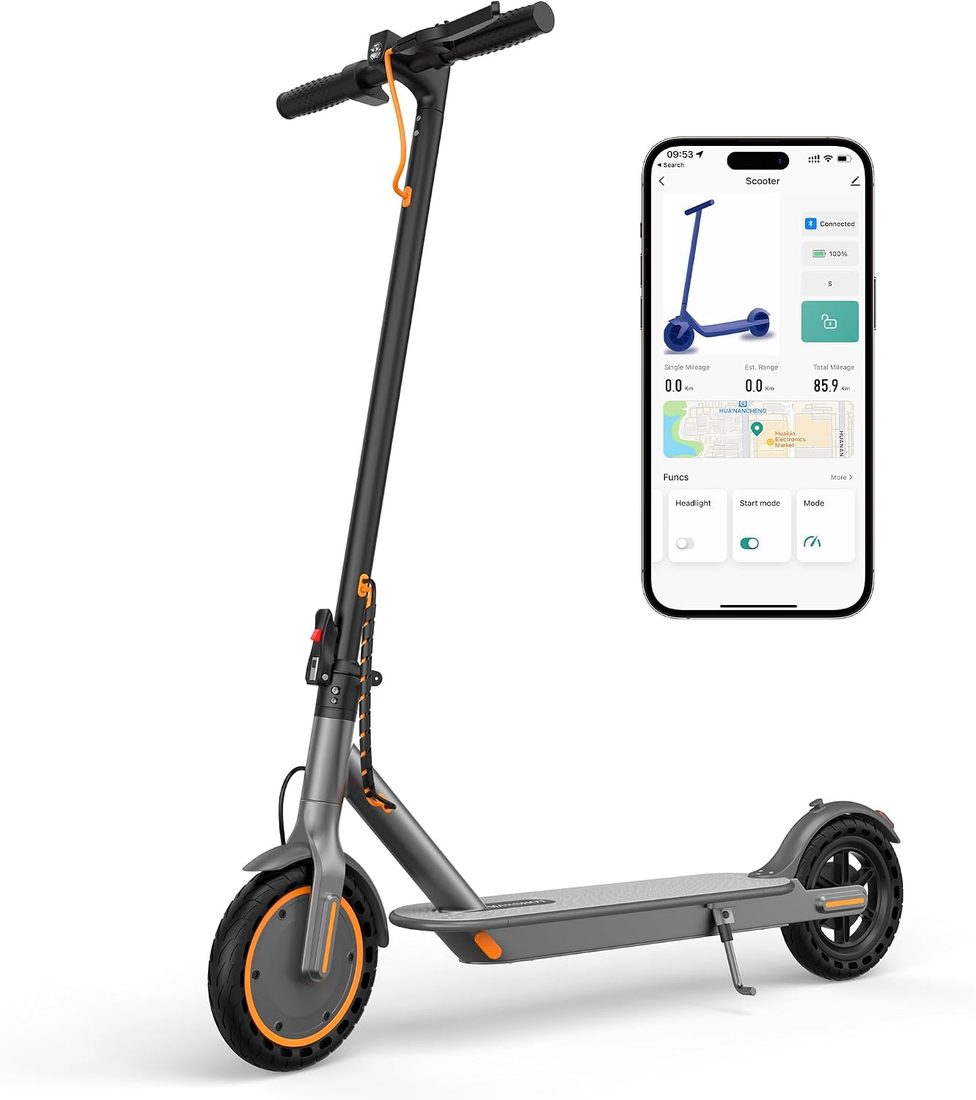
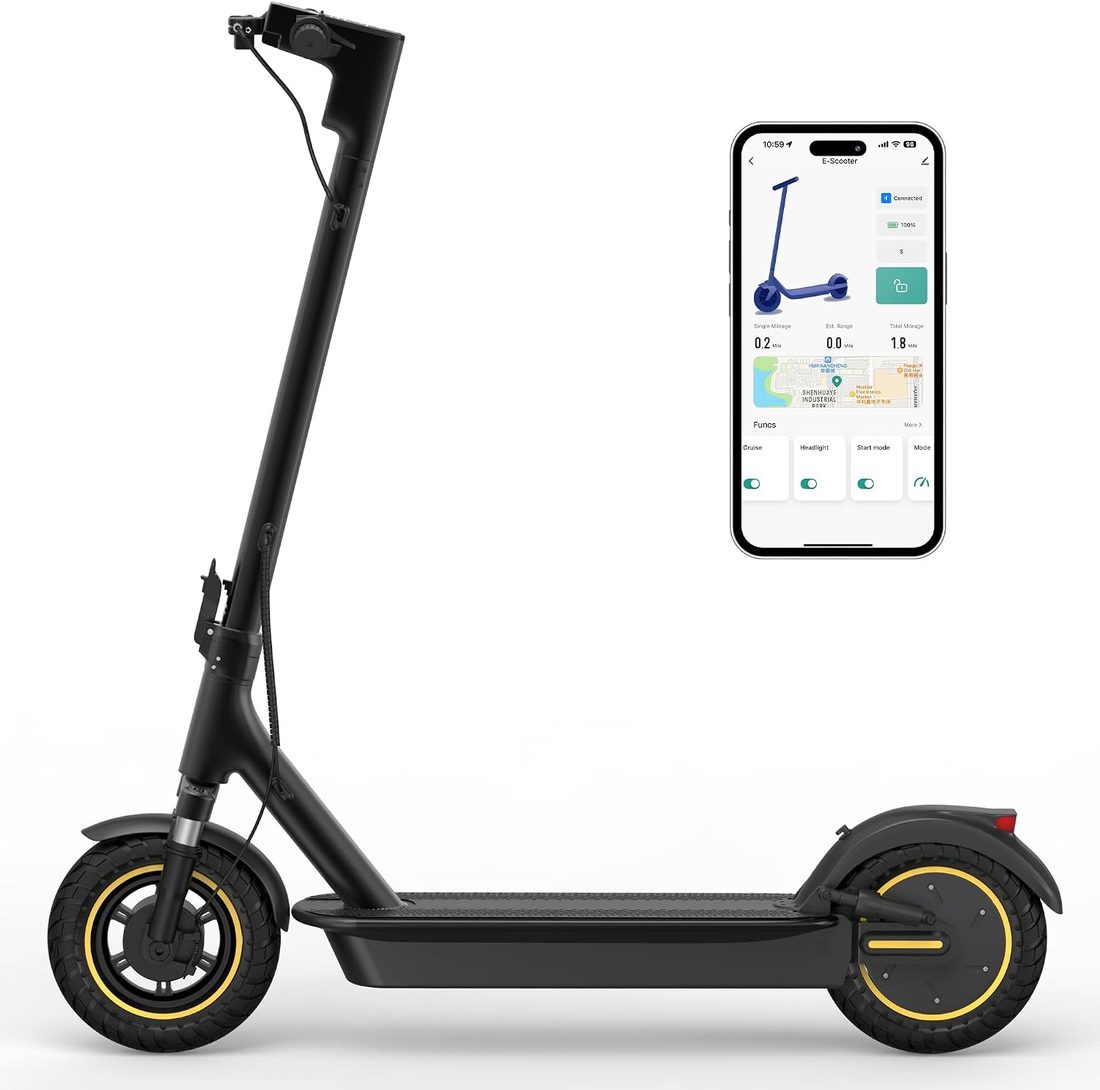
Every MAXSHOT scooter talks to your phone. Pairing takes under a minute, and once it is done the app shows speed, battery and trip data, lets you set a top speed, turn cruise control on and lock the motor while you are away.
Which app your MAXSHOT electric scooter uses
The MAXSHOT V1 electric scooter, the V1 PRO, the V1S PRO and the V1 MAX all pair with the MAXSHOT companion app. The V1 runs a 350W motor at 19 mph for about 21 miles on 8.5-inch solid tires; the V1 PRO adds dual suspension; the V1S PRO and V1 MAX move to a 500W motor, 10-inch tires and a 42V battery for up to 22 mph and 28 miles. The lighter V7 scooter uses the Vicont or TUYA Smart app depending on version, and the S78 and LP10 use the companion app with an LCD display.
Whatever the model, the app shows the same things: speed in mph, battery level, trip miles and ride mode. It does not replace the charger or the display; it adds control on top of them.
Before you pair
Charge the scooter fully first — some controllers will not pair below about 20 percent. Turn on Bluetooth and location services on your phone; Android needs location to scan for Bluetooth devices. Download the app named in your scooter's manual: most MAXSHOT models use the MAXSHOT companion app, while some V7 versions use Vicont or TUYA Smart.
Pairing step by step
Power the scooter on with the button on the display. Open the app, create an account if asked, and tap the add or scan button. Your scooter appears in the nearby list by model name; select it and confirm. The display usually shows a Bluetooth icon once it is connected.
If the scooter does not show up, switch it off and on again, close and reopen the app, and stand within a few feet of the display. Pair only one phone at a time.
Cruise control and speed modes
Cruise control holds your speed after you keep the throttle steady for a few seconds; a touch of the brake cancels it. Enable or disable it in the app. Speed modes — Eco, Drive and Sport on most models — change the top speed and how sharply the motor responds. Many riders keep Eco for crowded paths and Sport for open bike lanes.
Zero-start or kick-to-start
With zero-start, the motor engages as soon as you press the throttle. With kick-to-start, you push off first and the motor joins in above a walking pace. If the throttle seems not to respond, check this setting first: in kick-to-start mode, you must coast before the motor engages.
Remote lock and speed limits
The lock disables the motor and, on most models, makes the rear wheel resist rolling. It is a deterrent, not a replacement for a physical lock. You can also set a maximum speed — useful when a teenager borrows the scooter.
App, charger and firmware care
Keep the app updated; firmware updates for the controller arrive through it on the S78 and newer MAXSHOT electric scooter models. If the battery level in the app differs from the display, do one full charge with the original charger and the readings realign. A replacement charger should match the voltage of your scooter, 36V, 37V or 42V, and carry UL certification.
Every MAXSHOT scooter folds in about three seconds and keeps its pairing when folded, so there is no need to reconnect after the commute.
Vicont and TUYA Smart versions
The Vicont app adds fault detection and gear settings; TUYA Smart lets the scooter sit alongside other smart-home devices and control its own lights. Pairing works the same way: power on, open the app, scan and select.